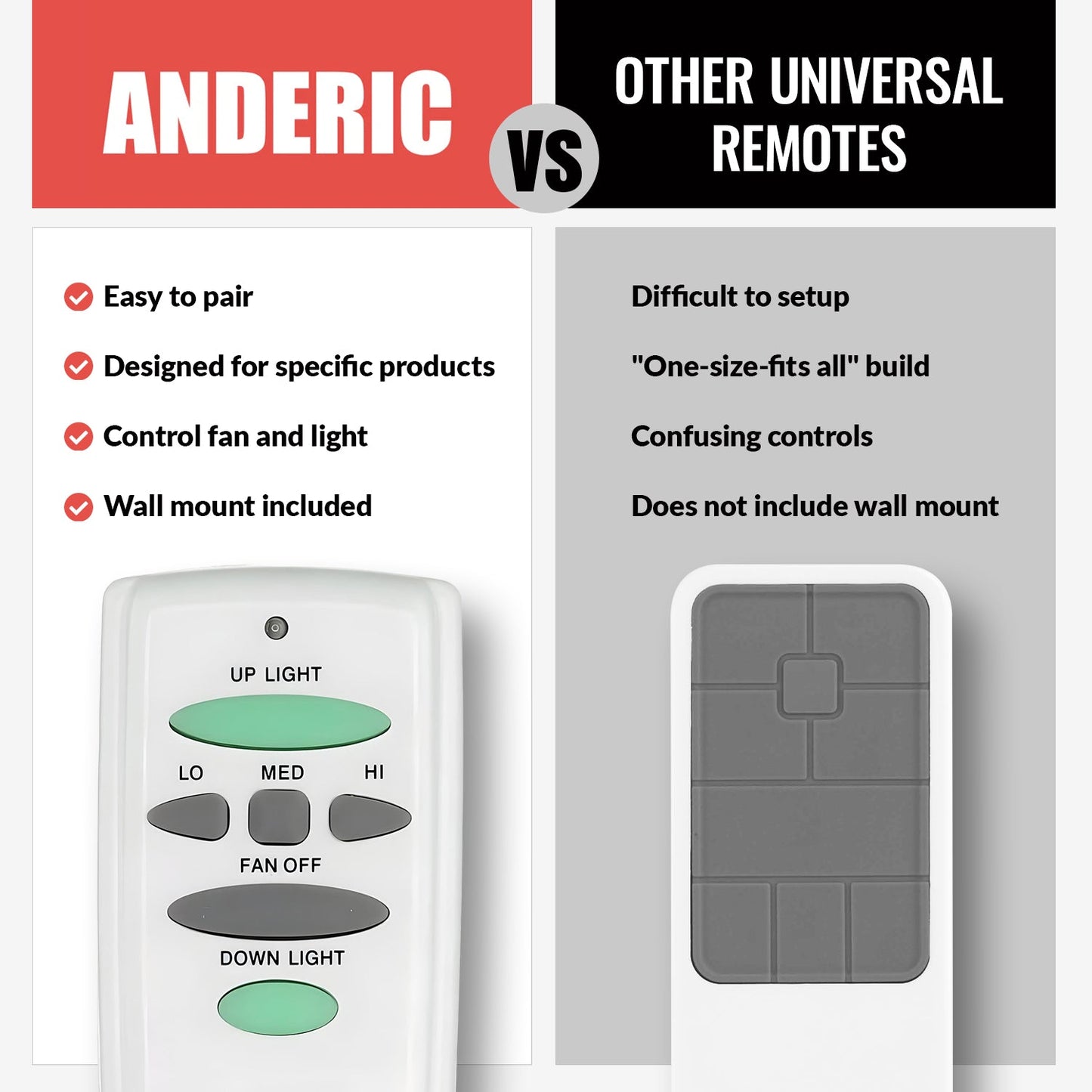
The Anderic RR7078TUDL (FCC ID: UC7078T, CHQ7078T) remote control is a reliable replacement for Hampton Bay and Harbor Breeze ceiling fan remotes, including models UC7078T. Operating at 303.835 MHz (304 MHz), this remote pairs with your existing ceiling fan receiver to restore full functionality if your original remote is lost or damaged.
This remote supports:
UP LIGHT - (only applicable with the RR7078TUDL and RR7080T): Press to toggle the upper lights on and off, and hold the button to control dimming (requires a compatible receiver and bulbs).
DOWN LIGHT (only applicable with the RR7078TUDL and RR7080T) - Press to turn the lower fan light ON/OFF, and holding the button controls dimming (requires compatible receiver and bulbs)
LO/LOW - Press to turn the fan oscillation speed to low
MED - Press to turn the fan oscillation speed to medium
HI/HIGH - Press to turn the fan oscillation speed to high
FAN OFF - Press to turn the fan oscillation off
Compatible with Hampton Bay and Harbor Breeze 3-Speed ceiling fan receivers:
FAN28R-UD
UC7067GMRX (UC7067RC)
UC7051G
UC7058GM
UC7067FMRX (UC7067RC)
Package Includes:
1x Anderic RR7078TUDL (UC7078T) Remote Control
1x Wall Mount
2x Wall Mount Screws
Help Guide
Pairing:
NOTE: Before you begin, please ensure that your fan and wall switch are powered OFF by the fuse box.
Remove the Battery Cover: Press down and slide the battery cover off the remote control
Set the DIP Switch Code: Locate the DIP switch panel inside the remote control and set the switches to your desired pattern. (Fig. A below)
Match the Receiver Code: Adjust the DIP switches on the receiver so they match the exact pattern of the switches on the remote control.(Fig. B below)
Install the Battery: Connect one 9V battery into the battery compartment, ensuring the polarity matches, and place the battery inside the compartment.
Replace the Battery Cover: Reinstall the battery cover on the remote control.
Choose a Location: Select a convenient area on the wall where you would like to store the remote control.
Mark the Mounting Holes: Hold the wall mount in the desired position and use a pencil to mark the two mounting holes on the wall.
Install the Wall Mount: If needed, install wall anchors (not included) at the marked locations. Align the wall mount with the holes, then insert the two screws through the wall mount and tighten them into the anchors or wall to secure the mount in place.
Additional information:
This remote only works with Ceiling Fans that have a compatible receiver
This remote operates: Up-facing lights, Down-facing lights, fan off, fan speed low, fan speed medium, fan speed high.
Warning: Make sure you use Incandescent bulbs or LED bulbs with dimming, or your fan will not dim properly.
Same as the RR7083T (UC7083T with up and down light)