

Cell Signal Booster DIY: Proven Fixes for Weak Reception
A dropped call during a client meeting usually isn't caused by the phone alone. In a rural home, metal-sided building, or insulated office, the problem may be weak outdoor signal, blocked radio paths, poor antenna placement, or feedback between antennas.
Direct answer: A cell signal booster DIY installation can improve coverage when a usable signal exists outside, but it can't create service from nothing. The reliable approach is an FCC-certified booster, a properly aimed outdoor antenna, a short quality coax run, and enough separation between the outdoor and indoor antennas to prevent oscillation.
Understanding Your Cell Connectivity Challenges
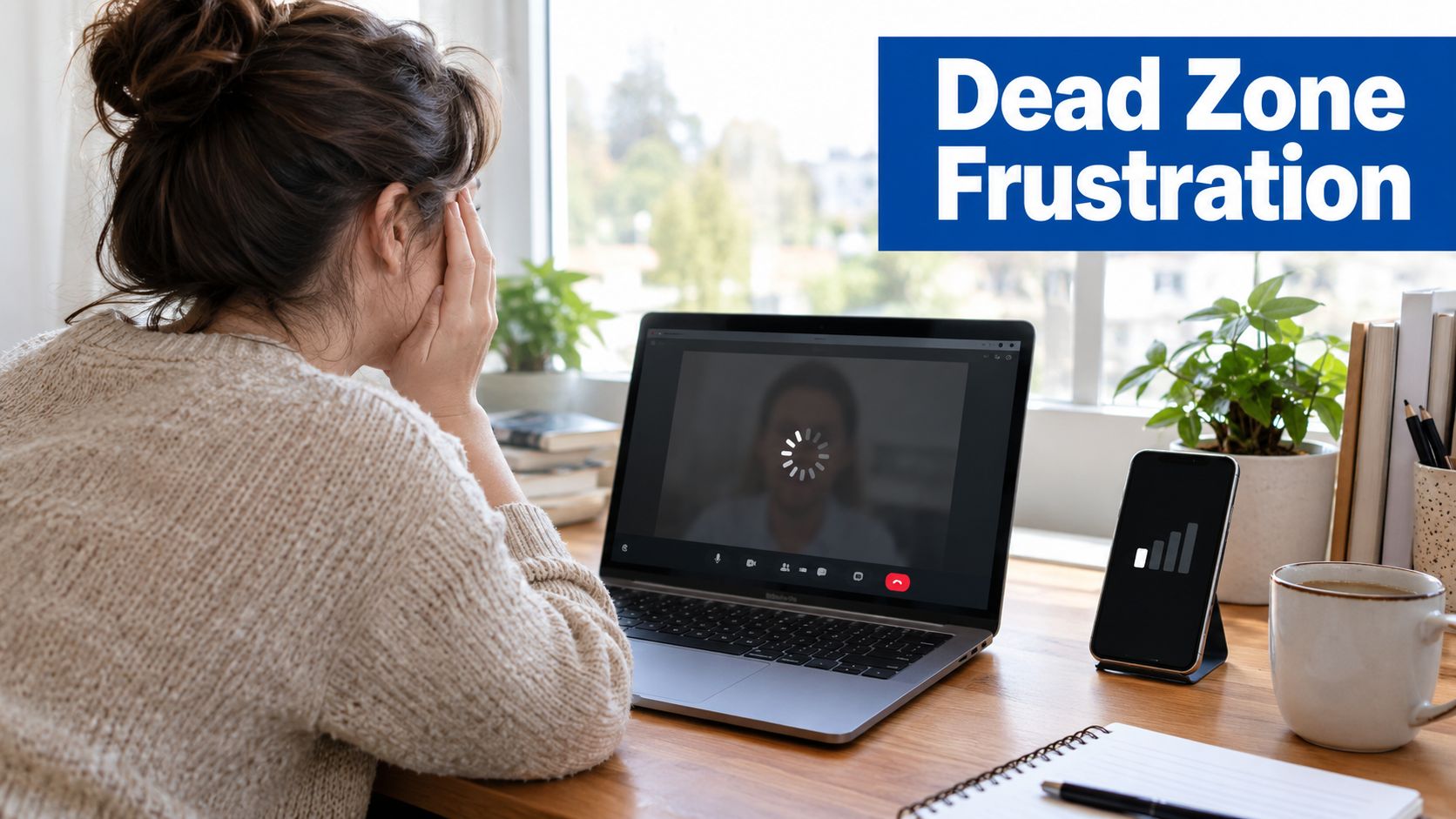
You're halfway through a Zoom call when the audio breaks up. Your phone shows one bar, the laptop disconnects from the hotspot, and you find yourself walking toward a window while the other person asks, “Are you still there?”
That situation is common in rural homes, detached offices, workshops, and buildings with dense construction. Energy-efficient windows, metal siding, foil-backed insulation, concrete walls, and metal roofs can all weaken the signal that reaches the room where you work. A phone may function beside an exterior wall but fail at a desk only a short distance away.
The first decision is whether you have an indoor penetration problem or a weak outdoor source problem. A booster can capture an existing cellular signal, amplify it, and rebroadcast it indoors. If there's almost no usable signal outside, however, the amplifier has very little to work with.
Start with the outside signal
Before buying equipment, walk around the property with the phone you routinely use. Check the signal near windows, on the upper side of the building, and at the highest safe point where an outdoor antenna could be mounted.
Record where calls connect most reliably. If data works beside the roofline but not inside the office, a booster may be a sensible project. If the phone can't register on the network anywhere around the property, consider Wi-Fi calling or another connectivity option before climbing a ladder.
A useful comparison is the difference between cellular coverage and Wi-Fi distribution. A cellular booster addresses the path between the carrier tower and the building. A wireless access point addresses the path between your router and devices inside the building. For office networking fundamentals, this stronger wifi for Indiana offices guide provides useful context, especially when the cellular connection and the local network are being mistaken for the same problem.
DIY or professional installation
A basic home system is often manageable for someone comfortable with exterior mounting, coax routing, and methodical testing. The physical work isn't especially mysterious, but the installation has to be treated like a radio system, not merely a plug-in accessory.
Professional help becomes more valuable when:
- The outside signal is extremely weak: Antenna aiming and site selection matter more when there's little source signal.
- The building has multiple floors: One indoor antenna may not distribute coverage evenly.
- The roof is difficult to access: Safety should outweigh the convenience of saving an installation fee.
- The cable route is long: Cable loss can undo the benefit of a stronger amplifier.
- The building contains substantial metal: Isolation and antenna positioning become harder to predict.
For a deeper overview of the basic equipment path, use this guide to boosting cell signal at home. The key point is simple: first identify where the signal is usable, then design the system around that location.
FCC Regulations and Certified Equipment Essentials
The difference between a practical DIY installation and an unsafe improvised amplifier is certification and network control. A homemade or gray-market amplifier may appear to increase bars, but it can also transmit unwanted interference back toward the carrier network.
The modern U.S. consumer booster framework took shape when the FCC adopted new signal-booster rules on February 20, 2013, stopped accepting noncompliant certification applications that same day, and required boosters sold in the United States to meet the new standards by March 1, 2014. The FCC designed those rules to reduce interference affecting carrier networks and emergency calls. The FCC's consumer signal-booster FAQ explains the framework and its installation expectations.
Amateur build versus certified equipment
An improvised amplifier usually leaves several important questions unanswered. Does it support the carrier bands in your area? Does it control gain when the antennas begin feeding back? Does it prevent harmful emissions outside the intended bands? Does it shut down if the system becomes unstable?
A certified consumer booster is built around those safeguards. The equipment should be simple to install, clearly labeled for consumer use, and designed to operate within the FCC's network-protection requirements.
| Approach | What can work | What can go wrong |
|---|---|---|
| Homemade amplifier build | It may demonstrate how antennas and amplification interact | Poor filtering, uncontrolled gain, interference, and uncertain legal status |
| Gray-market repeater | It may appear inexpensive or powerful | The specifications may not match your carrier or U.S. requirements |
| FCC-certified consumer booster | It is designed for controlled installation and network protection | It still needs correct placement, provider approval, registration, and troubleshooting |
The FCC requires consumer booster users to obtain approval from their wireless provider, register the booster with the provider within the FCC framework, use a certified device, and shut it down if it causes harmful interference. The FCC-approved cell phone signal booster guidance is a practical starting point for checking the compliance side before purchasing hardware.
Approval is part of the installation
Buying certified equipment doesn't remove your responsibility as the installer. In the United States, consumer users must get provider approval, and the device must not interfere with wireless networks. The FCC also requires boosters sold and marketed in the country to meet its requirements as of March 1, 2014. The FCC's consumer booster rules make that boundary clear.
That changes how I evaluate a DIY project. I don't choose an amplifier based only on maximum gain or a dramatic product listing. I check:
- Certification: Look for an identifiable FCC certification and consumer-use labeling.
- Carrier compatibility: Confirm that the supported LTE and 5G bands match the networks in use.
- Provider approval: Follow the carrier's approval and registration process.
- Automatic safeguards: Choose equipment designed to reduce gain or shut down during instability.
- Installation instructions: Use the supplied antenna types, cable guidance, and separation requirements.
A compliant booster can still perform badly if the antennas are too close or the donor antenna is pointed at a blocked area. Certification gives you a safer foundation. It doesn't compensate for poor radio geometry.
Strategic Antenna Placement and Installation
Most residential systems follow a straightforward path: outdoor antenna, coax cable, booster unit, indoor antenna. The simplicity is deceptive. The outdoor antenna must find the strongest available source, while the indoor antenna must deliver coverage without sending that amplified signal back into the donor antenna.
The best installations begin with testing, not drilling.
Find the donor position first
- Survey the property. Walk the roofline, upper exterior walls, and other safe locations while checking the phone's signal indicator or a dedicated signal meter.
- Select the highest practical point. Height can reduce obstructions from nearby structures, terrain, and vegetation. “Highest practical” doesn't mean taking an unsafe risk or placing the antenna beside power lines.
- Aim a directional antenna. A Yagi or directional panel antenna should face the most useful tower direction. Move it gradually and compare readings rather than relying only on a coverage map.
- Temporarily mount and test. Keep the antenna in a temporary position long enough to confirm that calls and data improve before sealing cable entries or tightening every bracket.
- Route the coax indoors. Keep the run short, avoid unnecessary bends, and protect the cable from sharp edges and water entry.
This approach resembles good wireless network planning. The same principle appears in this access point placement guide from Nerds 2 You Edmonton: location determines practical coverage more than the label on the equipment.
Treat separation as a design requirement
A donor antenna outside and a server antenna inside are effectively two parts of a feedback system. If the indoor antenna can “hear” the outdoor antenna strongly enough, the booster begins amplifying its own output. That condition is called oscillation.
As a working benchmark, expert installation guidance commonly recommends at least 20 feet vertically or 50 feet horizontally between the antennas, with vertical separation generally more effective than horizontal separation. Some troubleshooting guidance recommends separation around 10 meters in difficult installations because coupling can force the booster to reduce gain or collapse coverage. These benchmarks are discussed in this external antenna guide for mobile phones and in technical installation guidance on booster oscillation.
Practical rule: If the booster reduces gain, flashes a fault indicator, or coverage disappears after mounting, increase antenna isolation before changing the amplifier.
Don't assume a wall provides enough separation. Metal roofing, reflective insulation, glass, and interior partitions can change how the radio energy travels. Mounting the outdoor antenna on the roof and placing the indoor antenna below it, on the opposite side of the building where possible, is usually more dependable than putting both antennas on the same wall.
Keep cable loss under control
A high-gain amplifier can't recover signal that has already been lost through a long, poor-quality coaxial run. Use the cable supplied or a properly specified low-loss alternative. Keep the route as direct as possible, avoid sharp bends, and don't coil excess cable beside the booster.
Place the indoor antenna in the room or zone that needs service. Central placement helps distribute coverage, while a corner, closet, or area behind metal furniture can create another dead spot. A system may improve one office dramatically while doing little for distant rooms because indoor antennas have limited practical coverage.
Use this short installation checklist:
- Outdoor antenna: Highest safe location with the strongest source signal.
- Aiming: Point a directional antenna toward the most useful tower path.
- Isolation: Maintain substantial vertical or horizontal separation.
- Coax: Use a short, quality run with gentle bends.
- Indoor antenna: Place it openly near the priority coverage area.
- Testing: Confirm performance before permanent sealing and final mounting.
Troubleshooting Oscillation and Signal Failure
When a DIY booster fails, the amplifier itself often gets blamed first. In practice, the root cause is usually one of three conditions: weak source signal, antenna coupling, or cable loss.
Start outside. If the phone has almost no service at the best exterior location, the booster can't amplify a meaningful signal. A larger amplifier won't fix an absent source. It may just operate at its limit while producing no useful indoor coverage.
Read the symptoms instead of adding power
Oscillation has a recognizable pattern. The system may work while the antennas are temporarily positioned, then fail after permanent mounting. The booster may reduce gain, show an alarm, cycle on and off, or provide coverage only in a small area. These behaviors indicate that the control system is reacting to feedback, not that the amplifier needs more power.
Move the antennas farther apart and retest. Vertical movement is often more effective than shifting both antennas sideways. If the indoor antenna is near the ceiling directly below the outdoor antenna, move it toward the center of the target room or to another floor position.
The guide to whether cellular boosters work is useful when deciding whether the problem is equipment suitability or installation geometry.
Check the source, bands, and cable
Use this diagnostic order:
- Verify outside reception. Test several safe exterior positions. A directional donor antenna needs a usable path toward a tower.
- Confirm band compatibility. The booster must support the LTE and 5G bands used by your carrier. A mismatch can produce disappointing results even when the antenna is well placed.
- Inspect the coax path. Check connectors, bends, moisture entry, and any unnecessary length. Cable loss matters more than raw amplifier power.
- Increase antenna isolation. If the system faults after both antennas are connected, treat coupling as the primary suspect.
- Review indoor coverage expectations. One indoor antenna won't necessarily serve every room, especially through concrete, metal, or multiple floors.
A directional Yagi or panel antenna is often appropriate on the donor side when a distant tower is the best source. An omni-directional antenna may be more suitable when useful signals arrive from several directions, but the choice should follow the site survey rather than a generic preference.
Know what a booster cannot fix
A booster improves radio access to the carrier network. It doesn't repair congestion at the tower, solve a damaged phone antenna, or turn a weak Wi-Fi network into a strong one. It also doesn't guarantee faster data merely because the phone displays more bars. Signal quality, supported bands, and tower capacity still affect the result.
Coverage is limited by the indoor antenna, building layout, and source signal. If the main objective is one home office, target that room first. Trying to cover an entire building with one indoor antenna can produce a system that technically operates but feels inconsistent in daily use.
Integrating Boosters with Rural and Edge Environments
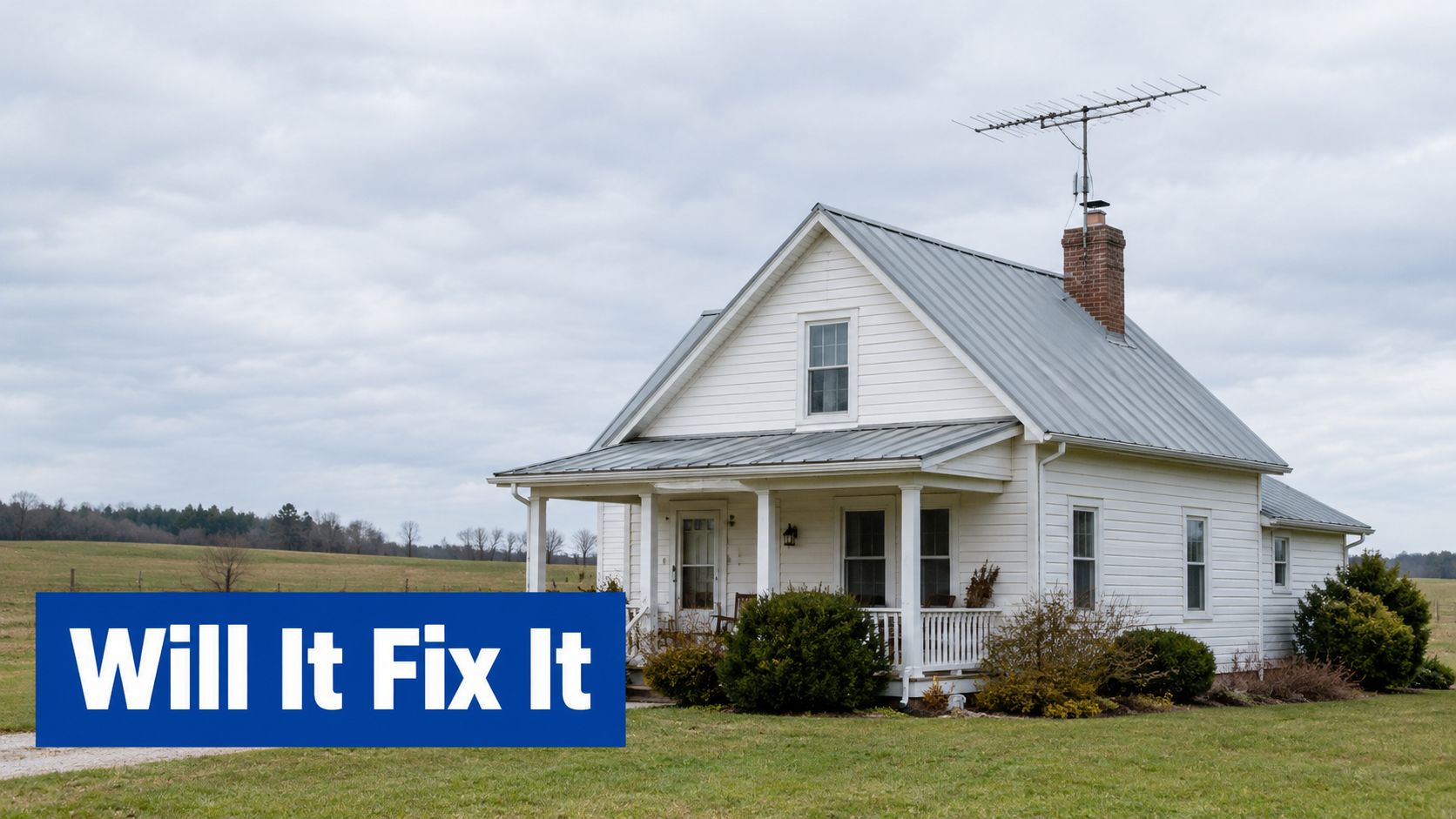
Rural homes, metal buildings, and weak-signal offices expose every weakness in a booster design. The outdoor signal may be faint, the nearest tower may be obstructed by terrain, and the building envelope may absorb or reflect the signal before it reaches the workspace.
A rural installation can still be a good candidate when the phone connects outside at a usable location. The project becomes less attractive when no exterior position provides service. In that case, Wi-Fi calling, a wired internet connection, or an emerging satellite messaging option may be more practical than a terrestrial repeater.
Rural homes need better site testing
The outdoor antenna often determines the outcome in the countryside. Mount it where the source signal is strongest, aim it carefully, and keep the coax route as short as the building allows. A small improvement at the donor antenna can matter more than selecting an amplifier with a more impressive power rating.
In a metal building, place the indoor antenna where people use their phones rather than assuming the signal will spread through the structure. Metal walls and roofs can block or redirect the rebroadcast signal, so one centrally mounted antenna may not serve every room.
A signal meter can make this work much less subjective. The phone's signal indicator is useful for quick comparisons, but a meter can help identify small changes in antenna position and distinguish a stable improvement from a temporary connection.
For a broader purchasing comparison, see the multi-carrier cellular amplifiers for rural areas. Match the equipment to the outside signal, building materials, carrier bands, and area that needs coverage.
Booster, Wi-Fi calling, or satellite messaging
These options solve different problems:
| Option | Best fit | Main limitation |
|---|---|---|
| Cellular booster | A building with usable outdoor cellular signal but poor indoor reception | It needs a source signal and careful antenna isolation |
| Wi-Fi calling | A home or office with reliable internet but weak cellular service | It depends on the local internet connection and phone support |
| Satellite messaging | Remote users who need limited communication beyond terrestrial coverage | It isn't a replacement for ordinary broadband cellular data |
| Hybrid setup | Remote professionals who need resilience across several conditions | It adds equipment and configuration decisions |
Satellite-to-cell services are arriving in 2026, but independent installation guidance notes that there is still no FCC-certified consumer device combining satellite and terrestrial boosting in one unit. That means a user in a dead zone may need to choose between a terrestrial booster, Wi-Fi calling, and satellite text features rather than expecting one box to combine all three.
Future-proofing means keeping the system modular. Use replaceable coax, leave service access around the booster, document antenna positions, and avoid locking the installation behind permanent finishes until the system has been tested through changing weather and normal household use.
Final Testing, Optimization, and Legal Compliance
Once the antennas are mounted, test the system in a controlled order. First check the phone outside, then inside with the booster powered off, and finally inside with the booster operating. Compare call stability, data reliability, and the signal indicator in the same locations.
If performance drops after activation, don't immediately move the indoor antenna closer to the weak room. Check for oscillation, cable faults, poor donor alignment, and unsupported carrier bands. A signal meter is useful when the phone indicator doesn't show enough detail.
Use this final checklist:
- Confirm the source: The outdoor antenna still receives a usable signal.
- Check the connections: Coax connectors are tight, dry, and undamaged.
- Review isolation: The antennas remain sufficiently separated after permanent mounting.
- Test target rooms: Walk through the areas that need coverage.
- Monitor fault indicators: Follow the booster manual if gain reduction or shutdown occurs.
- Complete provider steps: Obtain approval and register the consumer booster as required.
The FCC requires consumer signal booster users to get approval from their wireless provider, and boosters sold and marketed in the United States must meet FCC requirements as of March 1, 2014. The FCC also says these devices must not cause interference to wireless networks, even when users otherwise comply with the rules. Review the FCC consumer signal-booster requirements before operating the system.
People Also Ask
Can I build a cell signal booster myself
A homemade amplifier may demonstrate the basic principle, but it doesn't provide the certification, filtering, gain control, or network safeguards required for responsible consumer operation. Use an FCC-certified device and follow your provider's approval and registration process.
Will a booster work if there is no signal outside
Usually not. A booster needs an existing cellular signal to capture and amplify. Test several safe exterior locations first, and consider Wi-Fi calling or satellite messaging when no usable terrestrial signal is available.
Why does my booster keep reducing gain
The common causes are antenna oscillation, insufficient separation, a weak donor signal, cable loss, or an incompatible band. Increase antenna isolation and verify the source signal before replacing the amplifier.
The DigiDevice range includes electronics and mobile connectivity equipment for users comparing practical solutions for weak reception, home offices, and rural installations. Review the available options, confirm carrier compatibility and FCC requirements, and choose a system that matches your building before starting your cell signal booster DIY project.