

Best Headphones for Gaming in 2026
The loudest headset with the biggest “7.1” badge isn't automatically the best headphones for gaming. What matters is whether footsteps arrive on time, teammates can understand your mic, and the fit stays comfortable enough that you don't crank the volume during a long session.
Best Headphones for Gaming at a Glance
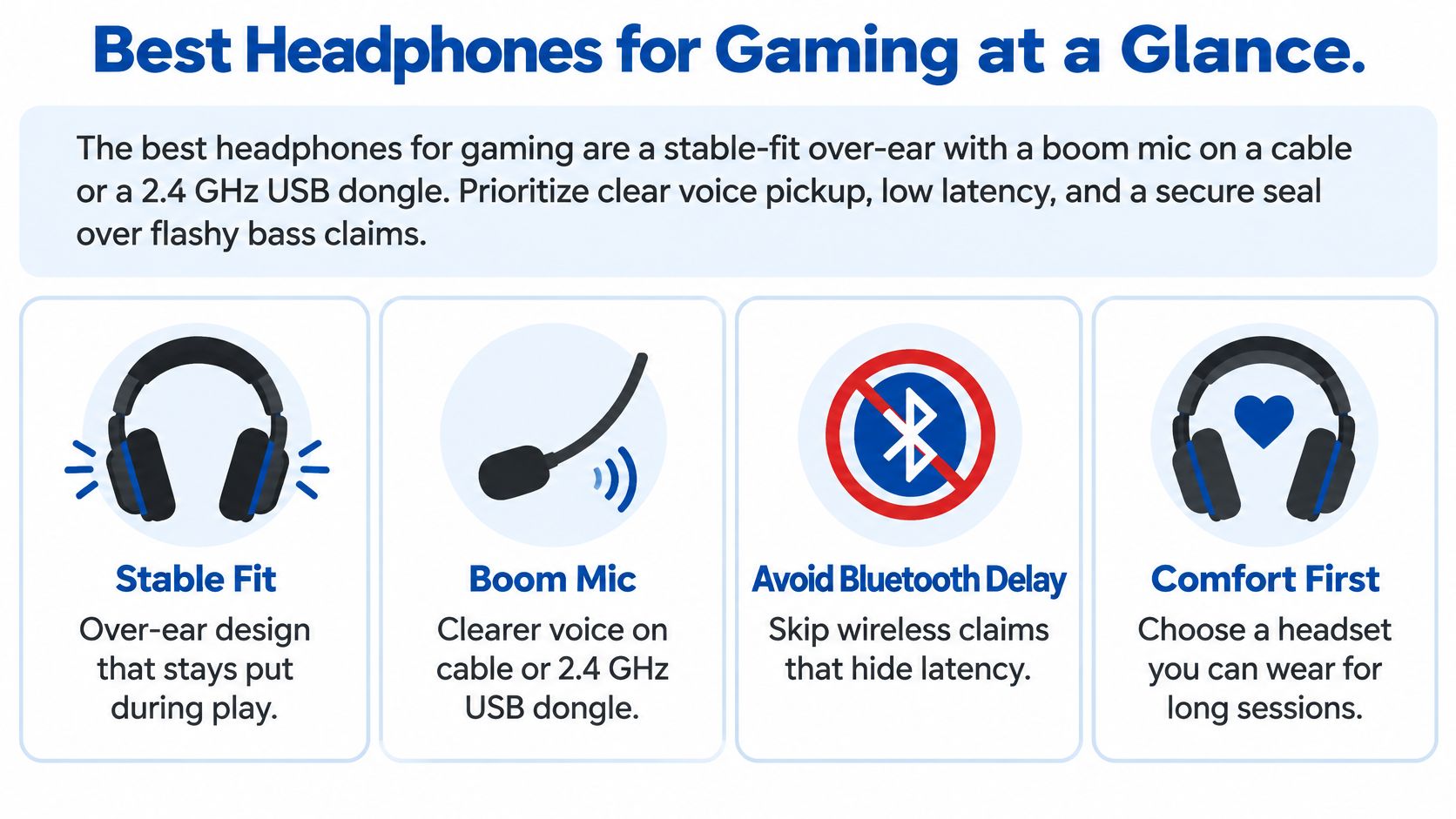
Updated for March 2026: Choose a stable-fit over-ear headset with a boom mic and either a cable or a dedicated 2.4 GHz USB dongle. Prioritize clear voice pickup and reliable timing over heavy bass or a generic Bluetooth logo. Ordinary Bluetooth is better left for your phone between matches.
Quick picks for gaming headphones in 2026
| Job | Example | Connection to use | Mic | Budget band |
|---|---|---|---|---|
| Competitive PC | Audeze Maxwell 2 | 2.4 GHz USB dongle, wired fallback | Detachable boom | Premium |
| Lowest delay | HyperX Cloud III or similar wired boom set | Analog or USB cable | Boom | Mid |
| Open-back detail | HIFIMAN over-ear from DigiDevice | Wired | Separate mic often required | Mid to premium |
| Console wireless | Platform-matched 2.4 GHz headset | That console's dongle or base, not phone Bluetooth | Boom | Mid to premium |
| Casual and calls | Bose QuietComfort Ultra | Bluetooth for phone and single-player only | Integrated, not a boom | Premium |
The Audeze Maxwell 2 is a premium PC option when you want its low-latency USB dongle and detachable boom mic. For minimal transmission delay, a wired boom headset such as the HyperX Cloud III is the straightforward pick. Open-back HIFIMAN over-ears suit a quiet room and players willing to use a separate mic; a console-specific wireless model is safer than assuming every dongle works everywhere. Bose QuietComfort Ultra makes more sense for calls, travel, and single-player gaming than for ranked matches.
If you're comparing wired and wireless choices, browse the headphones range. The connection table next shows why “wireless” alone tells you very little about timing.
Measured Latency by Connection Type
For ranked play, start with a cable or a dedicated gaming dongle. Passive wired analog headphones add virtually no transmission latency because they avoid wireless transmission, compression, and digital processing. A 2.4 GHz USB dongle is the wireless route designed for gaming; ordinary Bluetooth is best treated as a convenience connection.
| Connection | Reported delay | What it suits | Watch-out |
|---|---|---|---|
| Wired analog | Virtually no added transmission latency | Ranked FPS and rhythm games | Cable clutter |
| USB wired | Typically lower delay than Bluetooth | PC chat plus game audio | Still depends on the DAC path |
| 2.4 GHz gaming dongle | Much lower than ordinary Bluetooth; quality often higher | Competitive wireless on a supported PC or console | Dongle may not work on every platform |
| aptX Low Latency | About 30–40 ms | Casual wireless when both ends support it | Rare on consoles |
| aptX Adaptive low-latency mode | About 75 ms | Mobile and less timing-critical play | Needs matching device support |
| Bluetooth SBC | 241 ms on the Sony WH-1000XM5; 272 ms on the Sonos Ace | Phone, music, single-player | Audible mismatch in fast games |
Those codec figures come from RTINGS' wired-versus-wireless latency comparison. The important caveat is that a codec badge only helps when the headset and the device sending audio both support the same mode. A phone may offer a codec your console doesn't, and a headset's Bluetooth connection may behave differently from its gaming dongle.
A controlled Counter-Strike: Global Offensive study imposed 0, 40, 270, and 400 milliseconds of audio delay on 24 experienced players. High delay significantly reduced the players' experience, with skilled players more affected than novices, although the study didn't find a statistically significant effect on measured gameplay performance. Its published results put the practical issue in context: a delay can feel distracting without necessarily showing up as a measurable change in a particular experiment.
Practical rule: Keep a cable or a supported gaming dongle ready for shooters and rhythm games. Use standard Bluetooth when convenience matters more than tight sound-to-screen timing.
For a closer look at the trade-offs, DigiDevice's low-latency gaming headphones guide is a natural companion to the connection checks above.
Mic Quality Fit and Footstep Imaging
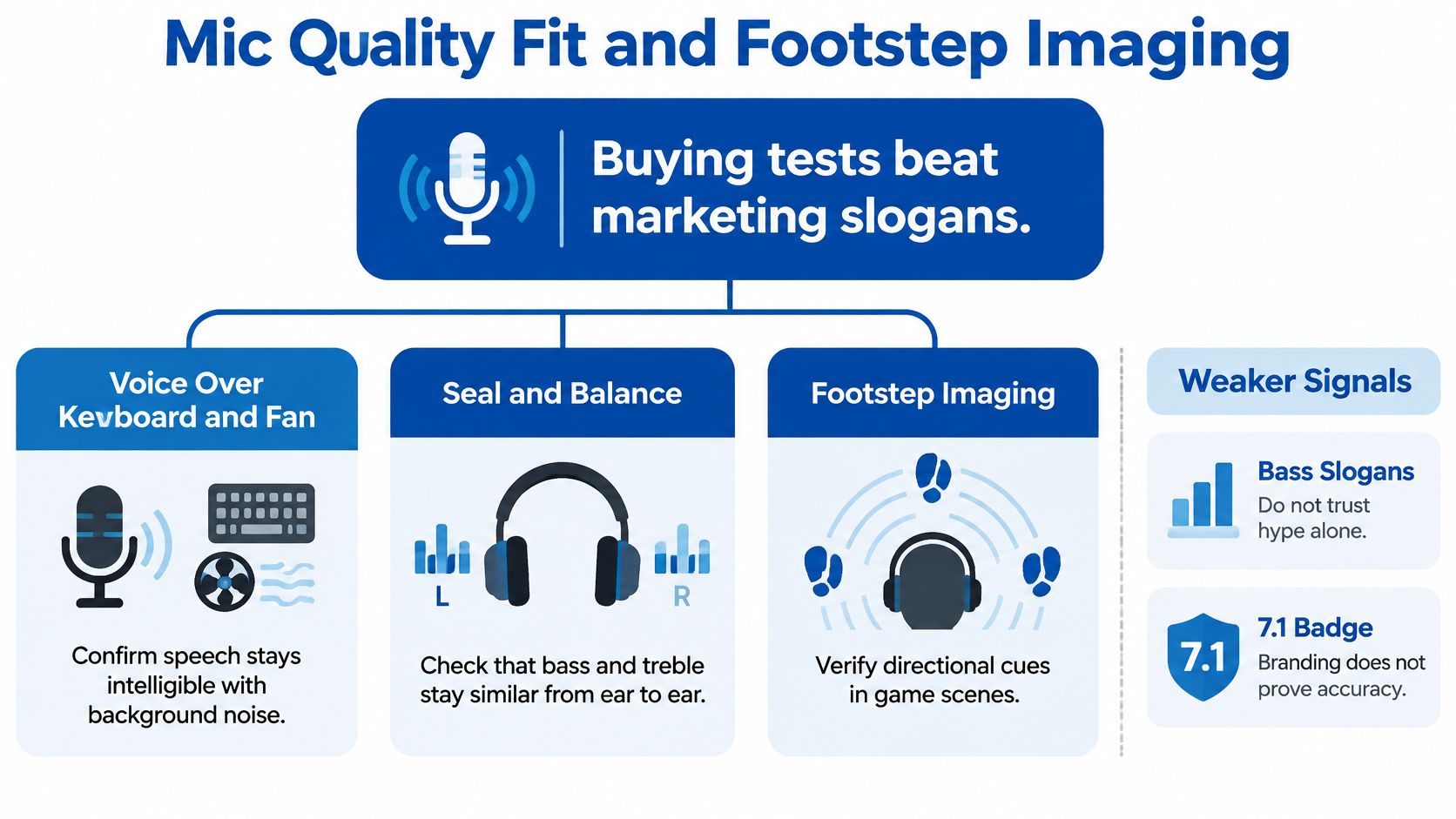
Bass slogans and surround-sound badges are weak ways to judge a gaming headset. Test three things instead: whether teammates understand your voice over keyboard and fan noise, whether the earpads keep a consistent seal, and whether directional cues make sense in the games you play.
Make voice and fit part of the test
A boom mic usually gives squadmates a clearer voice signal than a small integrated mic placed farther from your mouth. Don't judge it in a quiet room alone. Record a short voice sample while a fan runs or keys clatter, then listen for consonants that disappear under the noise. Microphone testing should account for both recording clarity and how well the mic handles background sound, as explained in RTINGS' gaming-headphone testing and recommendations.
Fit changes sound, too. If an earpad shifts, the seal can alter bass and treble, changing how footsteps and reloads come through. A stable seal is what keeps those cues consistent from one wear to the next. Check that the clamp still feels acceptable after a sustained session, the headband doesn't concentrate pressure on the crown, the pads don't trap too much heat, and the boom swings clear of your mouth when you're not using it.
The Audeze Maxwell 2 is a premium example combining strong sound, low-latency wireless through a USB dongle, and a clear detachable boom mic. Its weight, clamp, and platform compatibility still matter: audio quality can't make an uncomfortable headset comfortable. You can compare the basics using DigiDevice's guide to headphone frequency response.
Treat imaging as a listening test
A 7.1 label doesn't locate a footstep. The processing and the fit do.
Stereo panning places sound across the left and right channels. Binaural processing models how sound reaches the ears, and individualized head-related transfer functions (HRTFs) attempt to account for each listener's own head and ears. In a Delft University of Technology first-person-shooter test with 22 participants, individualized HRTFs improved localization in both horizontal direction and vertical elevation, with the biggest benefit among expert players. Related figures put average horizontal error at about 7.9 degrees without binaural audio, 5 degrees with generic HRTFs, and 3.2 degrees with individualized HRTFs, as described in the Delft study.
Those results don't mean every player should use the widest possible stereo image. For someone with one-sided hearing, exaggerated channel balance can make direction harder to judge or dialogue less clear. Check for left-right balance controls, useful EQ adjustments, mono compatibility, and captions or other in-game alternatives. If you want an open design and accept sound leakage and a separate mic, consider DigiDevice's open-back headphones for positional detail.
PC Console and Phone Setups That Work
A headset can perform well on a PC and then disappoint on a console because the console uses a different connection path or doesn't support the headset's wireless dongle. Check compatibility before buying, not after you've built your setup around a feature the platform can't use.
Windows PC: Stereo headphones can use Windows Sonic for Headphones, Dolby Atmos, or DTS:X processing. The headset doesn't need multiple physical speakers in each earcup; compatible software can encode positional audio for stereo output. Microsoft documents support for spatial sound formats in Windows. Availability and licensing can vary across the device, operating system, game, and application.
Xbox: Don't assume a PC wireless dongle will work. Choose a headset explicitly matched to the console's wireless path, or use a wired connection supported by your controller or console. If you need to adapt a wired headset, check the actual requirements before ordering adapters and cables for console headsets.
PlayStation and handhelds: Confirm that the model's USB dongle or base is compatible with your specific PlayStation console. For a Switch or handheld, a cable can be the most reliable choice; wireless options depend on the system and headset combination.
Phone: Bluetooth fits calls, travel, and story games where a small audio mismatch won't spoil play. Bose QuietComfort Ultra belongs here more naturally than in a ranked-PC setup. A low-latency Bluetooth codec only helps when the phone supports it as well as the headset.
Wireless is not one technology. Check the connection you'll actually use on the platform you actually play.
Before you buy, run this quick compatibility check:
- Name your primary device. Decide whether the headset is mainly for PC, Xbox, PlayStation, a handheld, or a phone.
- Verify the connection. Confirm that the console supports the exact USB dongle, base, or cable you plan to use.
- Test a familiar game cue. Enable the platform's spatial-audio option if you want it, then play a footstep clip before buying extra hardware.
Long Sessions Without Turning the Volume Up
A comfortable headset can still expose your ears to too much sound during an eight-hour gaming day. A 2025 international survey found that 42.9% of gamers had experienced ringing after playing and 53.5% reported ear fullness or fuzziness. In that survey, 24.8% used high or very high volume settings, and 34.3% took a sound break every hour, according to the survey publication.
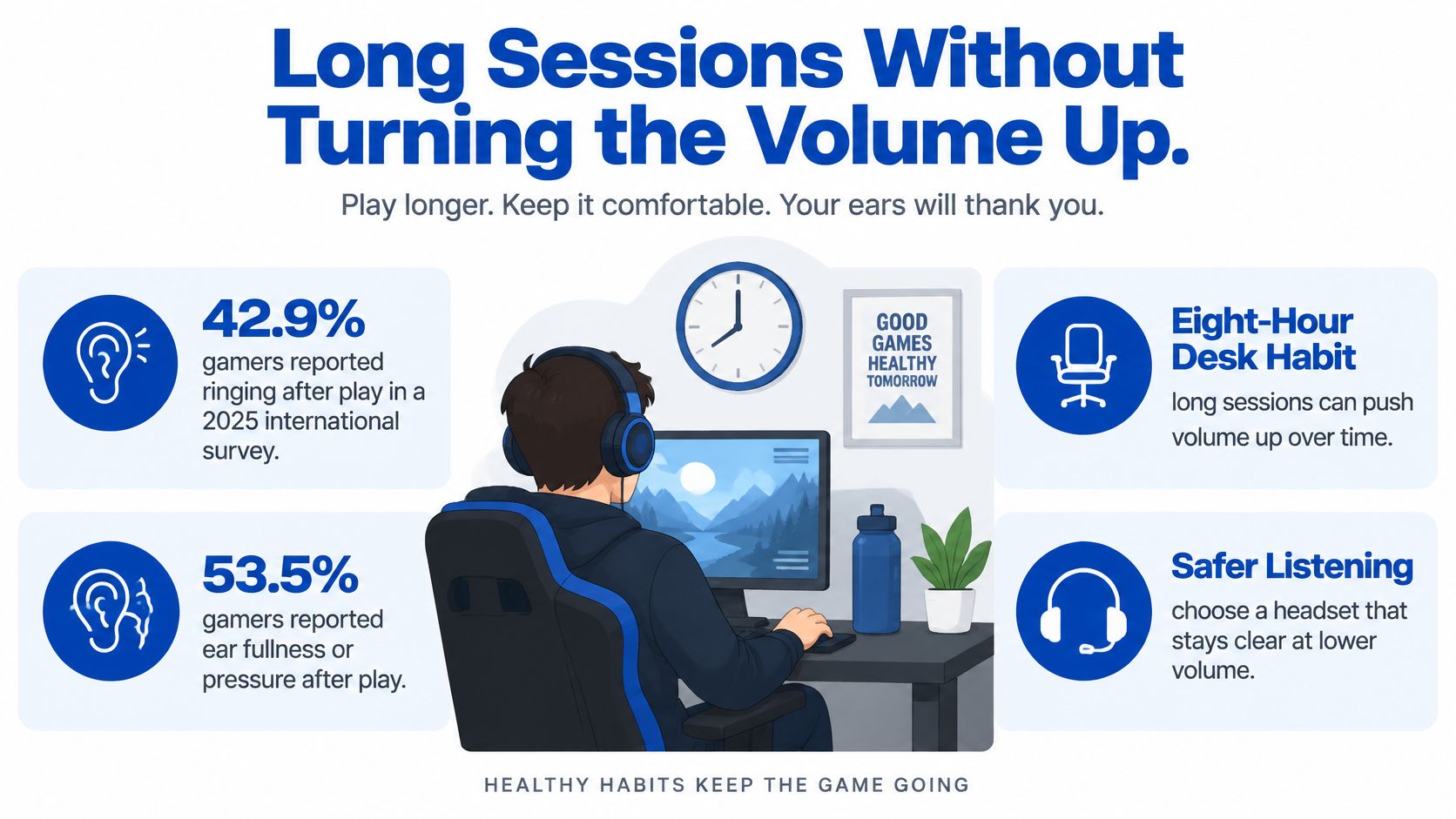
The World Health Organization says 80 dB can be considered safe for up to 40 hours per week, with recommended exposure becoming more restrictive as sound levels rise. Its safe-listening guidance is a useful reference, but a headset's “50%” volume setting isn't a universal decibel measurement. The same slider position can produce different sound levels on different devices and headphones.
A repeatable session routine
- Set a volume limit. Use your device's limiter if available, then keep the level moderate rather than turning it up to overpower the room.
- Use one familiar audio clip. Start low and raise the level only until footsteps and dialogue are clear.
- Take regular quiet breaks. Step away from the sound during longer sessions; stop listening if ringing starts.
- Choose isolation with care. Closed-back headphones or ANC can help in a noisy space, but don't use them as a reason to push volume higher. Open-back models let sound in and out, so they suit a quiet room better than a noisy one.
Clear mids, controlled bass, and a consistent fit can make useful game cues easier to hear without reaching for more volume. A session setup also includes your chair, display, and desk; DigiDevice's ideas for desks that keep long sessions comfortable can help you think beyond the headset.
What Each Budget Actually Buys
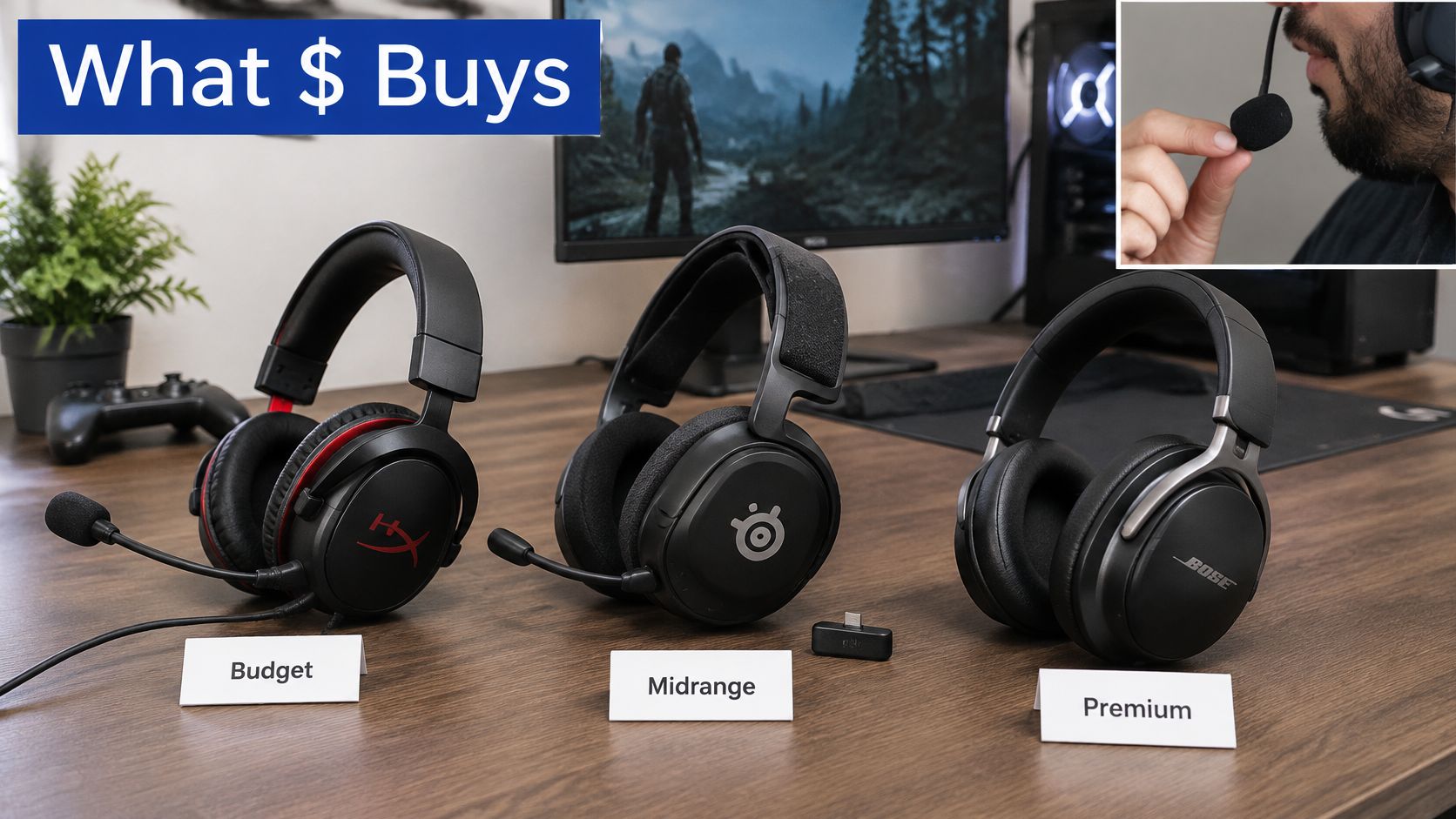
Use price bands as a way to set expectations, not as a guarantee that a more expensive headset will improve your aim. Paying more can buy better materials, a more useful mic, or a dedicated gaming transmitter. It can't guarantee comfort or platform compatibility.
Under about $100
Expect a wired headset with a boom mic, a serviceable fit, and basic controls. This is a sensible starting point if you can run a cable and want to avoid paying extra for wireless convenience. Be wary of a Bluetooth-only model pitched as an all-purpose competitive headset.
About $100 to $200
This range can bring a more comfortable fit, a detachable cable, and a more even sound profile. If your setup can use a wire, this may be enough for serious play. Check how the pads sit and whether the mic keeps speech understandable in the room where you play.
About $200 to $400
The useful upgrades are a dedicated 2.4 GHz dongle, better padding, and a more capable boom mic. Put platform support ahead of a long feature list: a transmitter that won't connect to your console isn't worth paying for. Make sure the headset also gives you a fallback connection if you want one.
Above $400
At the high end, planar sets such as the Audeze Maxwell 2 and audiophile open-backs buy sound detail, materials, or specialist features, not automatic competitive gains. A high price can still come with a poor match for your head, room, mic needs, or console. Read DigiDevice's guide to audiophile headphones under $500 if sound quality is a major part of your decision.
Skip a Bluetooth-only ANC headphone as your primary ranked headset, a surround license you can't test or return, and any headset whose clamp becomes uncomfortable before a match ends. Pay for the connection you'll use and a mic you'd be comfortable sending to teammates.
Pick Your Headset Then Check the Price
Don't start by asking which headset is universally best. Start with the device you play on and the job the headset has to do, then use the matching row in the glance table. That keeps a PC-focused wireless pick from becoming a poor console purchase, and it stops a comfortable travel headphone from being mistaken for a competitive headset.
Make the choice in three checks
- Choose the main job. Is this for ranked PC, wireless play on a supported console, open-back listening in a quiet room, or story games and calls?
- Match the connection and mic. Take the relevant table row's connection, microphone type, and budget band as your starting point.
- Test before you commit. Confirm dongle or cable support, play a familiar footstep clip, and listen for whether your voice stays clear with room noise present.
For long sessions, aim to keep listening near the level associated with the WHO's 80 dB, 40-hour weekly guide, and take a quiet break each hour. That's a listening target, not something you can infer from a headset's volume slider alone.
People also ask
Does wireless gaming audio match wired speed? A dedicated gaming dongle or a supported low-latency codec can be suitable for play, but plain SBC Bluetooth can introduce delays of 241–272 ms in the measured examples above. Check the actual connection path rather than relying on the word “wireless.”
Do I need a boom mic for Discord? No, but an integrated mic can lose consonants when a keyboard and fan compete with your voice. Test speech clarity under the noise you expect during play.
Are open-back headphones good in a shared room? They can work if you're comfortable with audio leaking out and room noise coming in. If either is distracting, a closed-back set may be the more practical fit.
To finish your shortlist, select the option that matches your platform and budget, then check the current gaming-headphone selection at DigiDevice. Confirm the specific product's compatibility and connection details before you order.
For a gaming setup, DigiDevice offers headphone options alongside accessories for connecting and organizing your gear. Visit DigiDevice to compare the current selection, confirm the connection that fits your platform, and choose a headset built for the sessions you play.